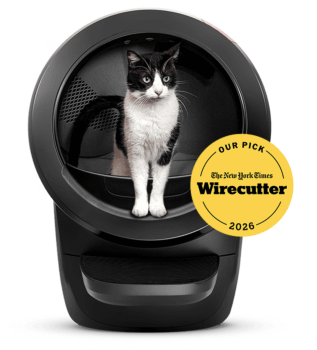


Not needing to scoop poop is one of the many unsuspected privileges of cat ownership and, yes, we know, dog people are jealous there isn’t a self-cleaning litter box designed for them yet.
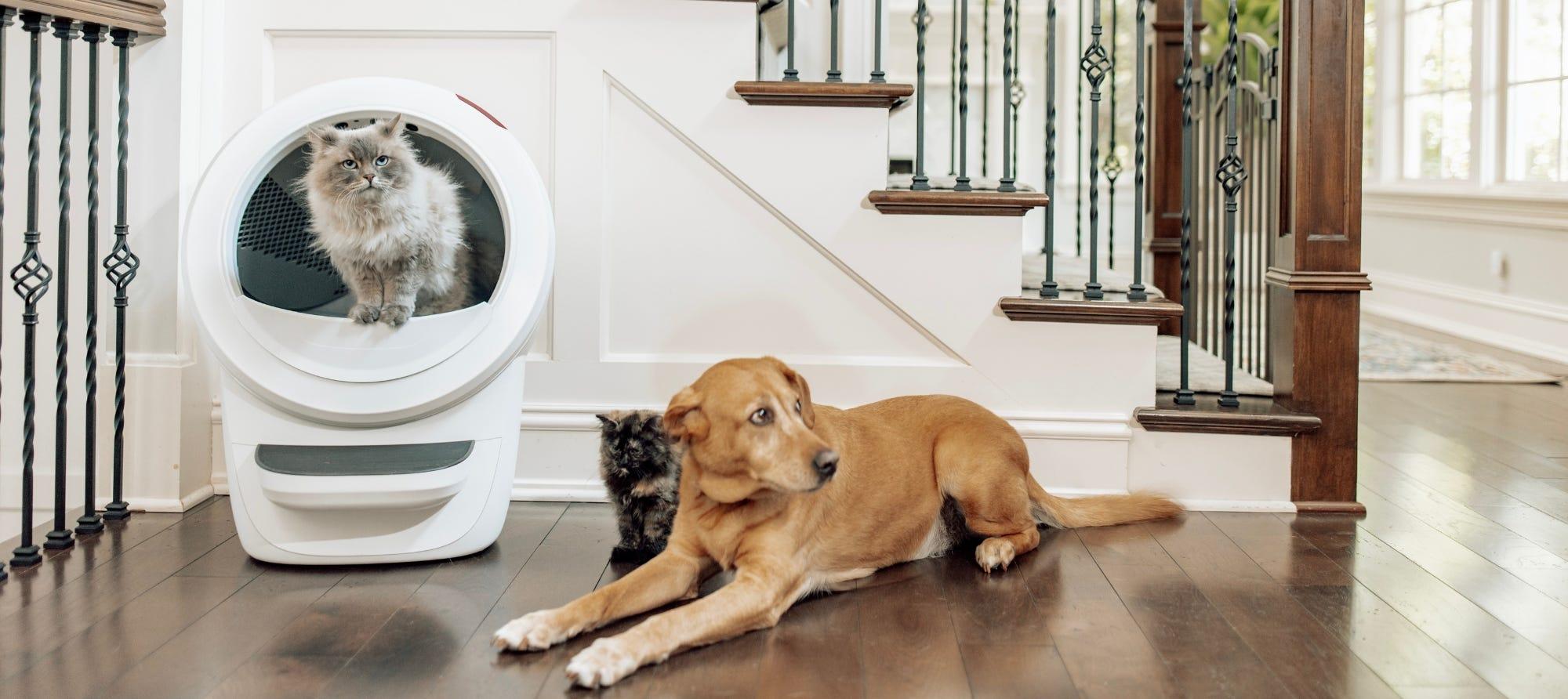
But for all the pet parents who have the pleasure of owning both a cat and a dog, having a Litter-Robot can be a totally different experience.
Let’s explore how to help your dog get used to Litter-Robot’s presence in your home.
In this article
Common challenges with dogs & Litter-Robot®
For many pet parents, a self-cleaning litter box like Litter-Robot can be an amazing tool to get the dog to stop eating cat poop.
However, some households may need a short period of adjustment. Not only does your cat need to get used to Litter-Robot, but your dog does too, after all.
Common challenges dog owners face include:
-
Dogs eating cat poop inside the litter box. While this may be a sign of nutritional deficiencies or boredom, getting this behavior to stop is the first step towards a resolution. Consider shortening the cycle delay time in the settings of the Whisker App.
-
Dogs startled by the robot's operation. Since Litter-Robot cycles automatically after each use, it may appear surprising to our canine friends and may trigger excessive barking in extreme cases. Getting them used to its operation is critical here.
Our pet experts will walk you through how to navigate these challenges and provide you with tips and tricks to resolve them.
How to get your dog used to Litter-Robot®
At Whisker, we highly value—and even encourage— our employees to have pets. For us, that means a fun pet-friendly work environment. For you, it not only means our products are fueled by love for pets, but it also means you have access to the knowledge and care of our pet experts and their tips and tricks to get your dog used to Litter-Robot.
1. Leave Litter-Robot turned off at first
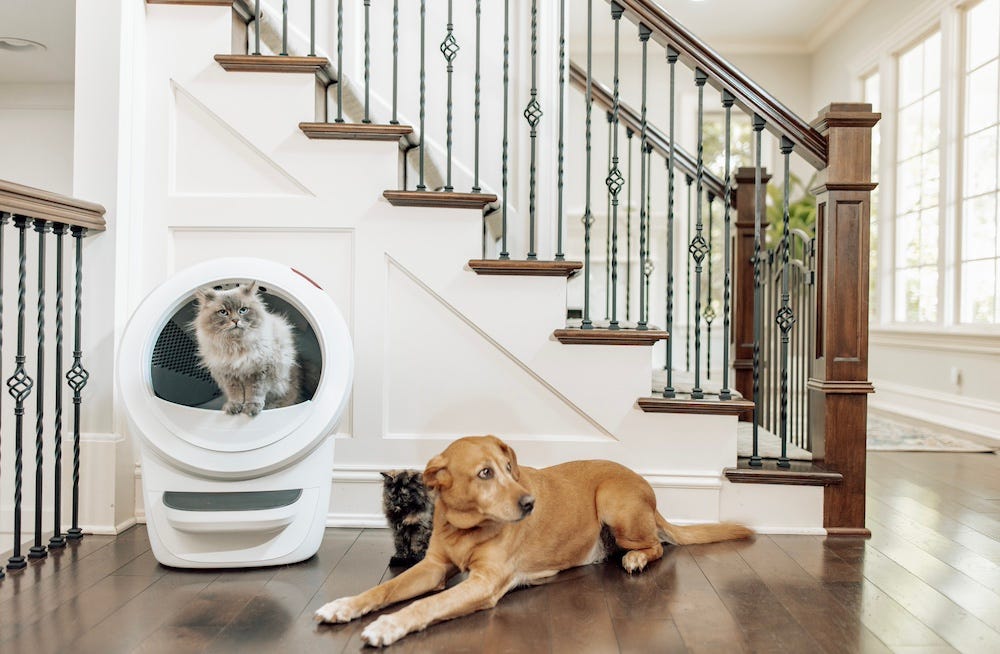
Leave Litter-Robot turned off to avoid possibly startling cats and dogs alike. Let them both adjust to the new litter box’s presence.
2. Create a positive association with Litter-Robot
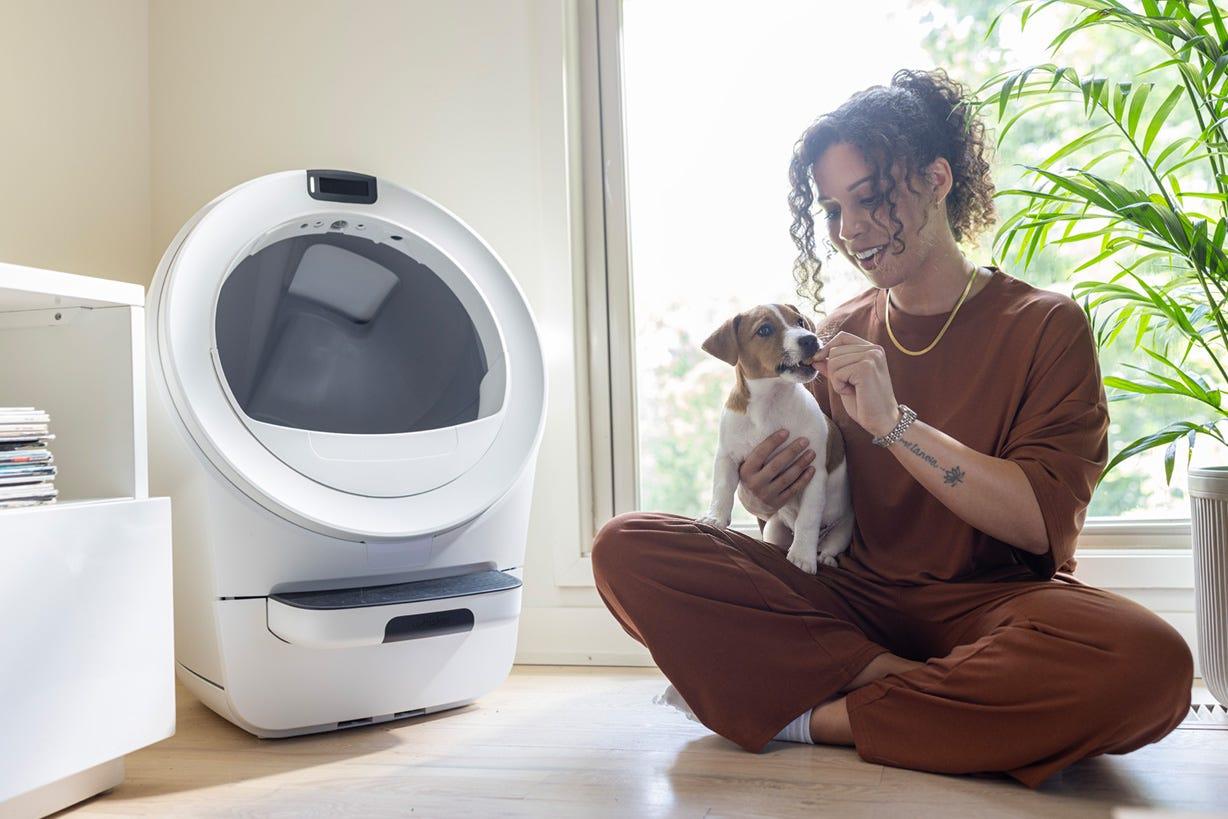
Place their favorite treats (chicken, cheese, premium treats…) on or around Litter-Robot to encourage curiosity so your dog associates rewards with the self-cleaning litter box.
Keep interacting with the robot yourself so the automatic litter box is not identified as an enemy your dog needs to protect you from.
3. Turn it on from a distance
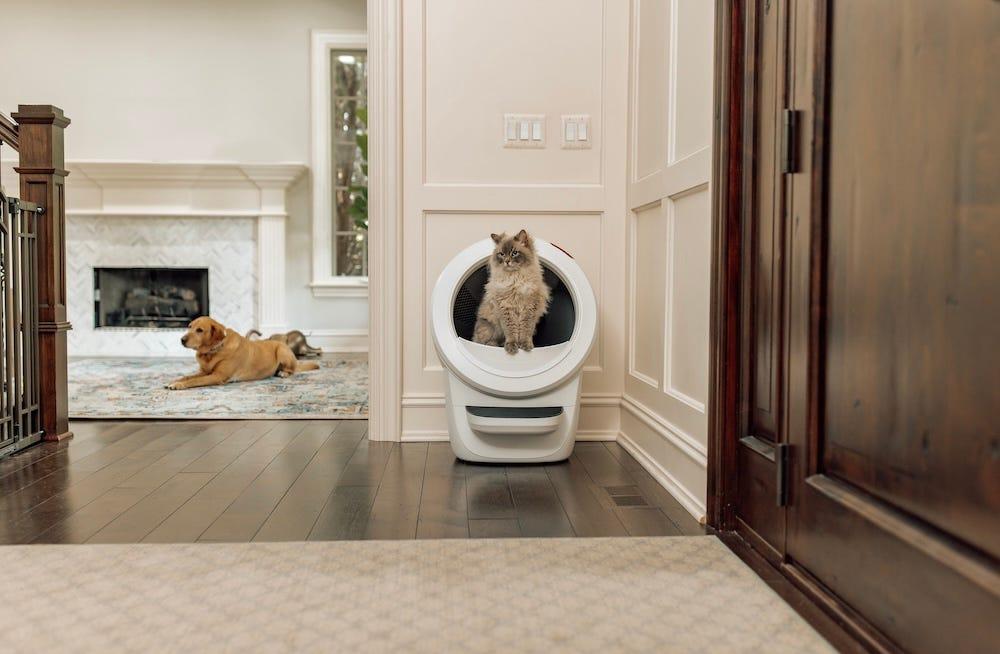
First, keep your dog in a separate room and start a cleaning cycle remotely, as this will help reduce the noise trigger. You may need to be present with your pet to reassure them if they still hear it.
Gradually bring them closer to the robot, one room at a time, consistently providing reassurance and treats, until they get used to the litter box’s operation.
4. Gradually introduce cycling
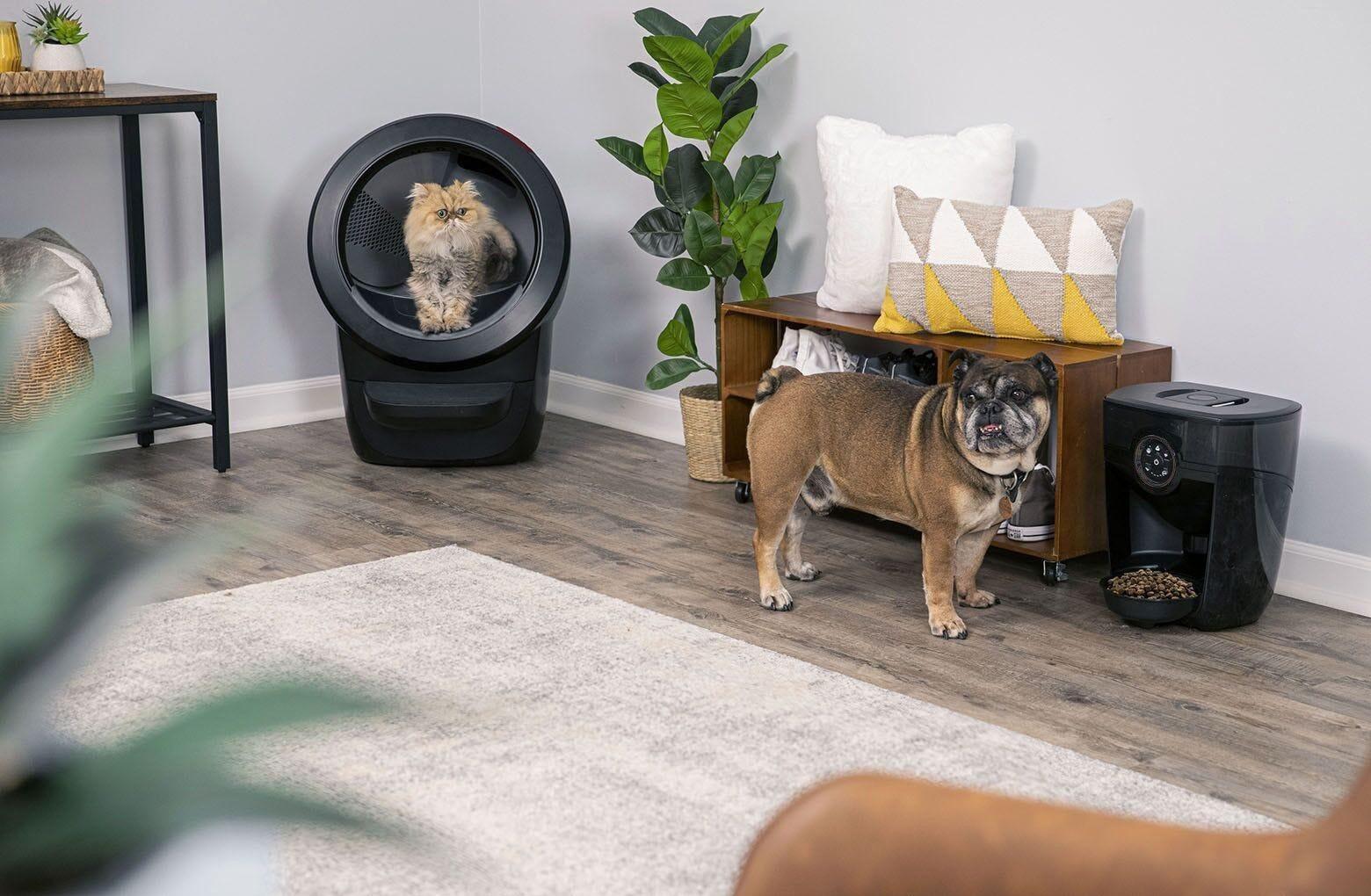
Once you notice that your cats have used Litter-Robot, turn it on for a clean cycle and let them observe from a safe distance.
Encourage your cats and dogs to be present, so they can observe the motion and become familiar with the sound of Litter-Robot while you’re there to reassure them.
Speak calmly to reassure them as they watch it cycle. Curiosity will soon outweigh any initial fears.
Reward calm behavior with treats.
If your pup is not open to receiving treats, then it's a sign that he's over the threshold and you need to take a step back.
5. Practice consistency
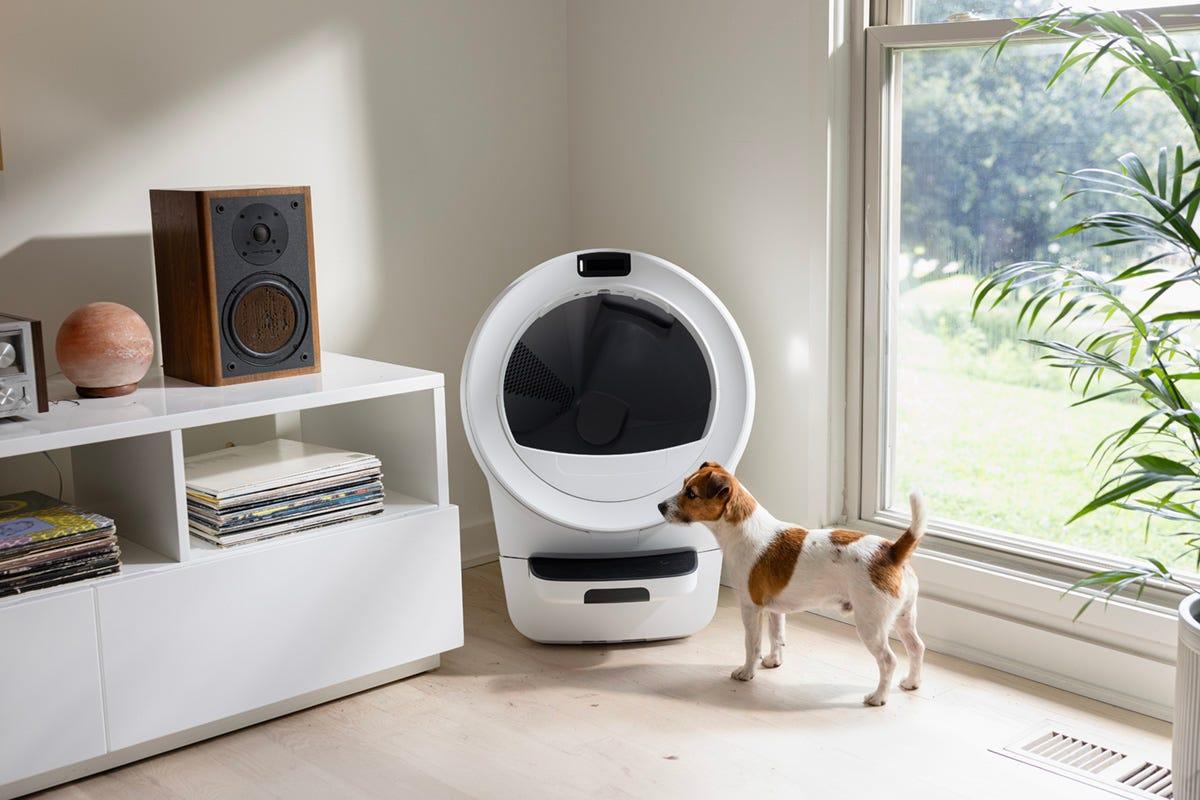
Keep training sessions short (5-10 minutes) and consistent, rewarding your dog for remaining calm, even if they choose to go to a designated “safe spot.”
What to avoid
Some actions might exacerbate your dog’s negative behaviors towards Litter-Robot.
Don’t:
-
Force your dog to go near the Litter-Robot
-
Punish your dog when things go wrong
-
Put your dog inside Litter-Robot
How to dog-proof Litter-Robot®
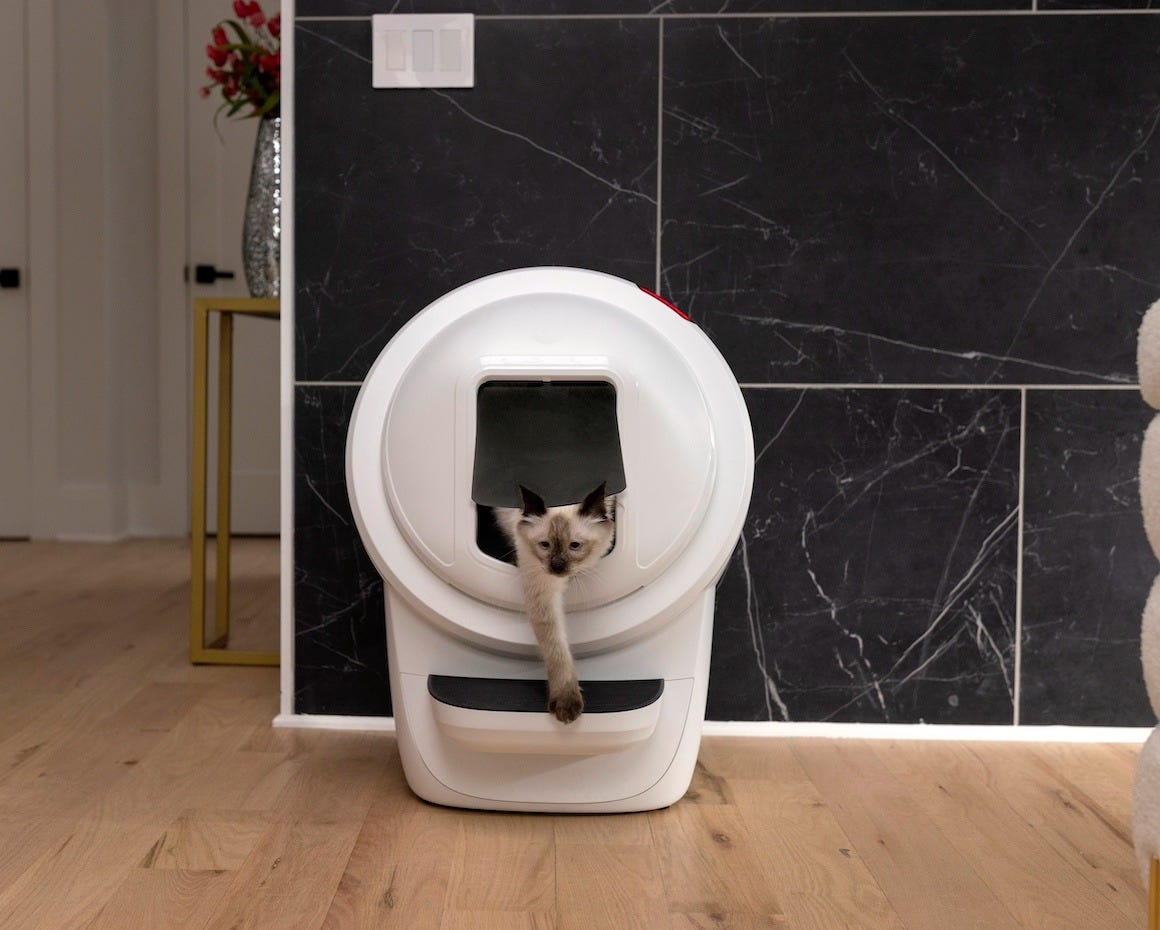
Deterring dogs from taking a snack right out of Litter-Robot involves similar techniques to dog-proofing a litter box.
1. Reduce the cycle delay time
Litter-Robot has a default 7-minute cycle delay time after a cat exits, which allows waste to clump before cleaning. You can change this delay to 3 minutes so your dog doesn’t have as much time to get a snack from the litter box.
2. Use the Litter-Robot Shield
Available with Litter-Robot 4, the Litter-Robot Shield greatly reduces the globe opening and deters other nosey pets from getting into your cat’s business while keeping it accessible for your cat.
3. Launch a manual cycle immediately after each use
If reducing the cycle delay time to 3 minutes is still not enough, you may need to trigger manual cleaning cycles after each use until your dog learns that they won’t get a snack that way.
When you receive an app notification that a cat visit has been recorded, press the Cycle button to start a cleaning cycle.
4. Section off Litter-Robot
Cats can slip into places dogs can't and jump over high barriers with ease. If nothing else works, installing a baby gate around Litter-Robot might work, or choose a baby gate with a built-in pet door.
You can also install a door latch (or a door chain) that lets the door open just enough for your cat to enter, but not your dog (or toddlers for that matter).
Install a cat door in the door of the room where you keep the automatic litter box to let your cat enter, but keep your dog out. (Now you just have to remember to close the door.)
FAQ
Can dogs use Litter-Robot?
Litter-Robot is designed for cats first and dogs won’t typically use litter boxes in general. However, some users on social media report that small dogs (3 lbs to 20 lbs) can be trained to use a Litter-Robot for urination though it would require consistent training, positive reinforcement, and patience.
Are dogs often scared of Litter-Robot?
No, this is not a common issue with Litter-Robot as the self-cleaning litter box’s QuietSift™ technology ensures a quiet operation that helps avoid spooking dogs frequently. However, dogs that are more territorial, protective, or easily startled can sometimes bark at the litter box during operation.